Your customers pick the channel. Your team works from one shared inbox. Email, live chat, WhatsApp, Instagram, Facebook and more come together in Trengo. See the full contact history, send each conversation to the right person and tag teammates when it takes more than one person to solve.
A Facebook page (part of a Facebook Business account)
TikTok*Limited availability
DMs, plus Messaging Ads that open a DM
Yes
A TikTok Business Account registered in a supported region
* TikTok doesn't let accounts registered in the EEA, Switzerland or the UK use its messaging API. This rule applies to every software provider. US accounts aren't supported yet either. Join the waitlist →
Up and running in a few steps
1
Connect your channels
Add email, chat, WhatsApp and social in Settings
2
Add your team
Invite colleagues and create teams
3
Set your rules
Decide who gets which conversations
4
Start answering
Everything arrives in one inbox
What's included
The Centralised inbox is part of every plan. Plans start at €299 a month, billed yearly. Channel-specific costs, such as Meta's WhatsApp message fees are not included.
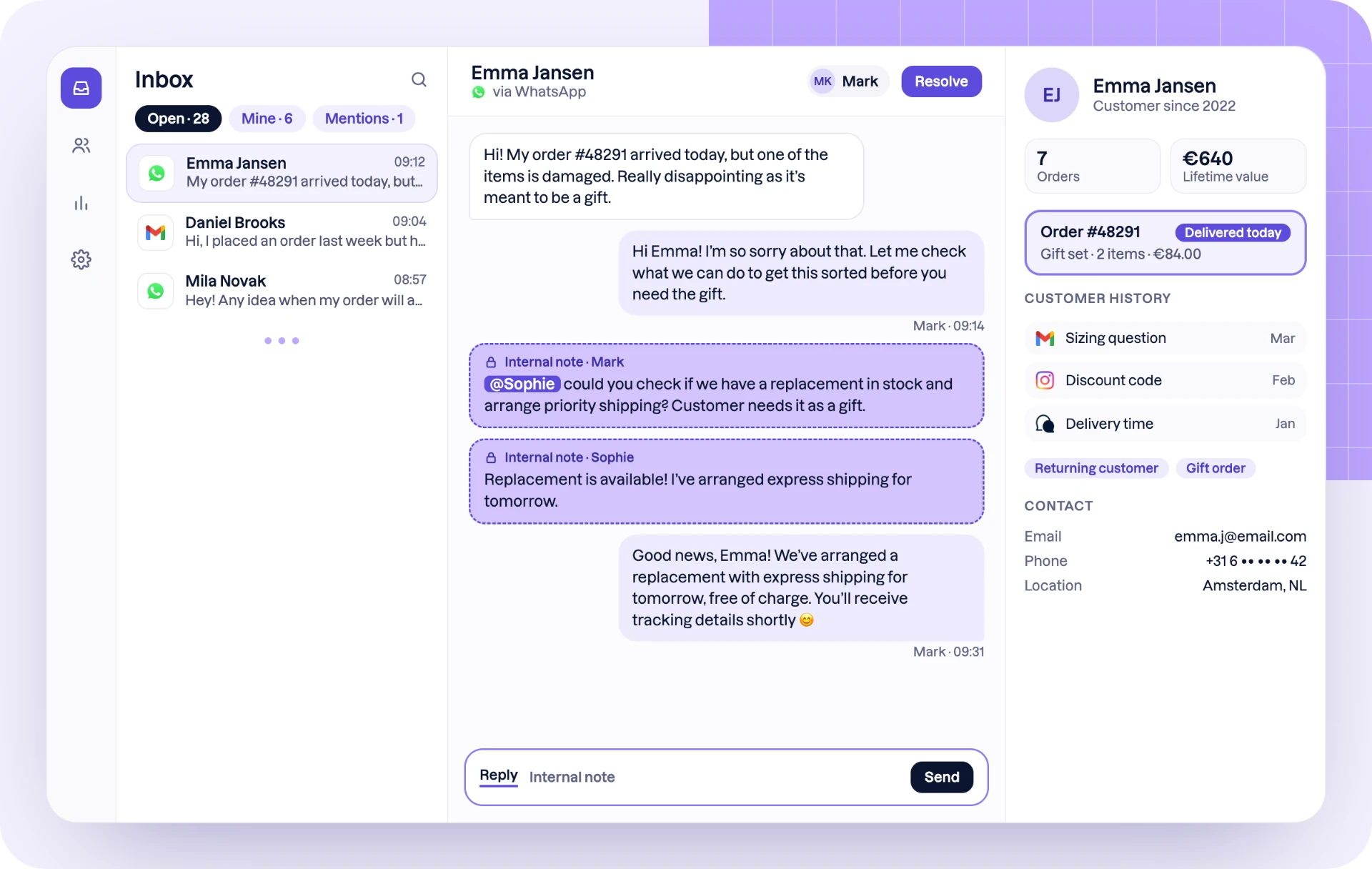
A centralised inbox (also called a shared inbox) brings all your customer conversations into one place: email, live chat, WhatsApp, Instagram, Facebook and more. Your whole team works from the same inbox, so every message is visible, assigned and answered, whichever channel the customer used.
You can connect email from any provider (including your own server via IMAP), live chat, WhatsApp Business, Instagram, Facebook and other messaging channels. An administrator adds them in Settings > Channels, and most take a few minutes to set up.
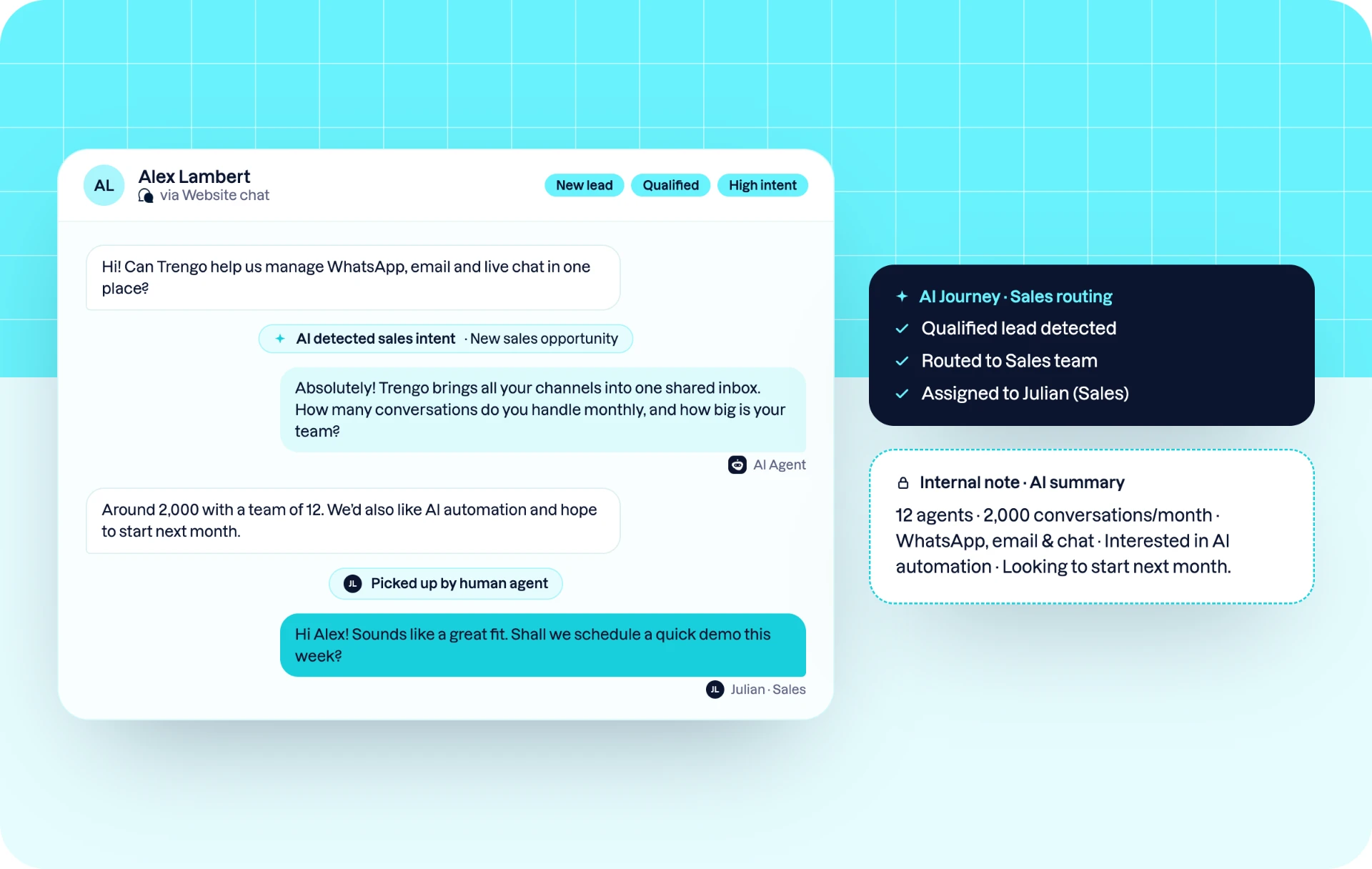
Agents can assign a conversation manually, or you can do it automatically with AI. Round robin spreads new conversations evenly across a team and can skip colleagues who are offline or unavailable. That keeps the workload balanced and customers get a quick answer.
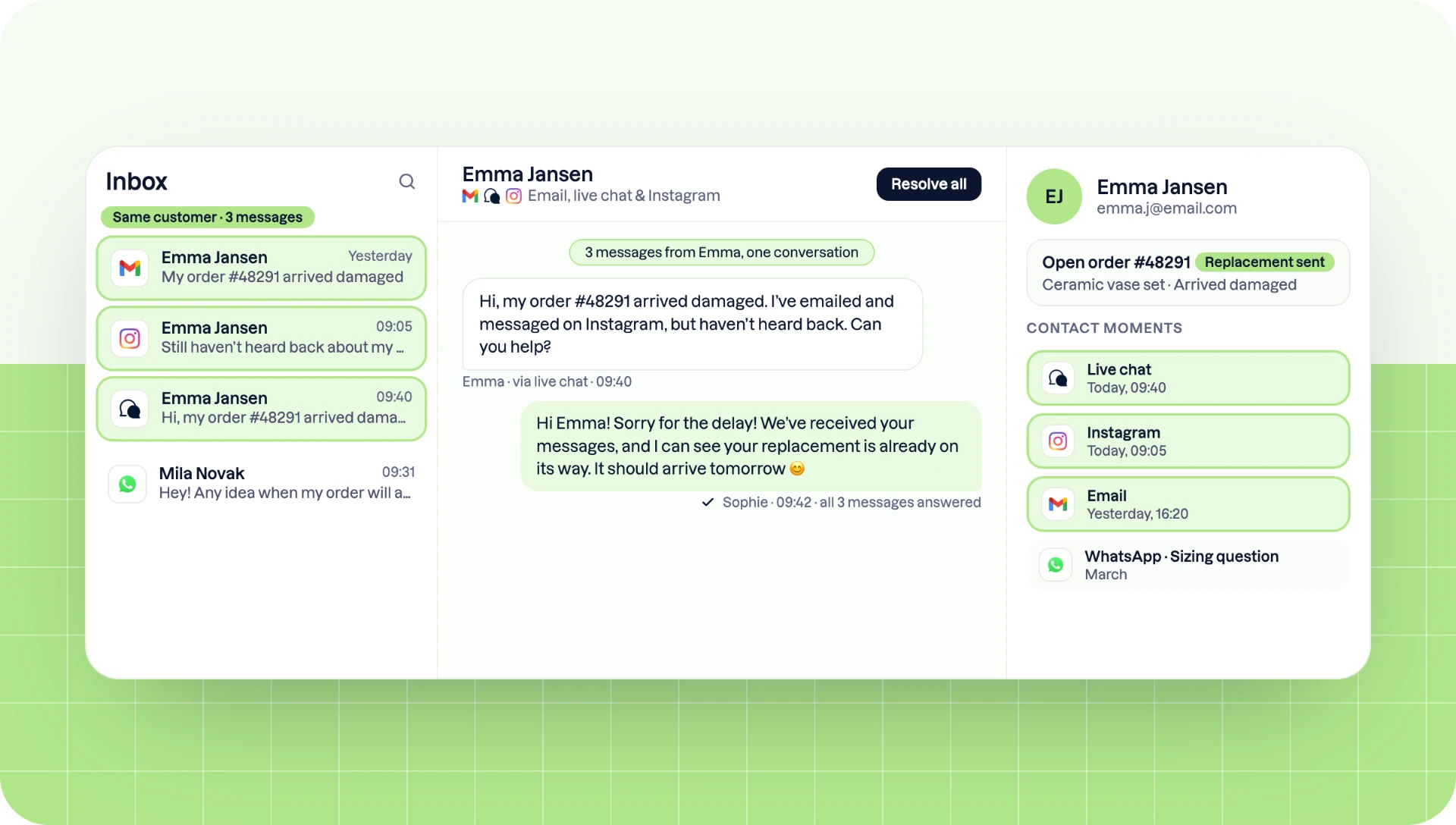
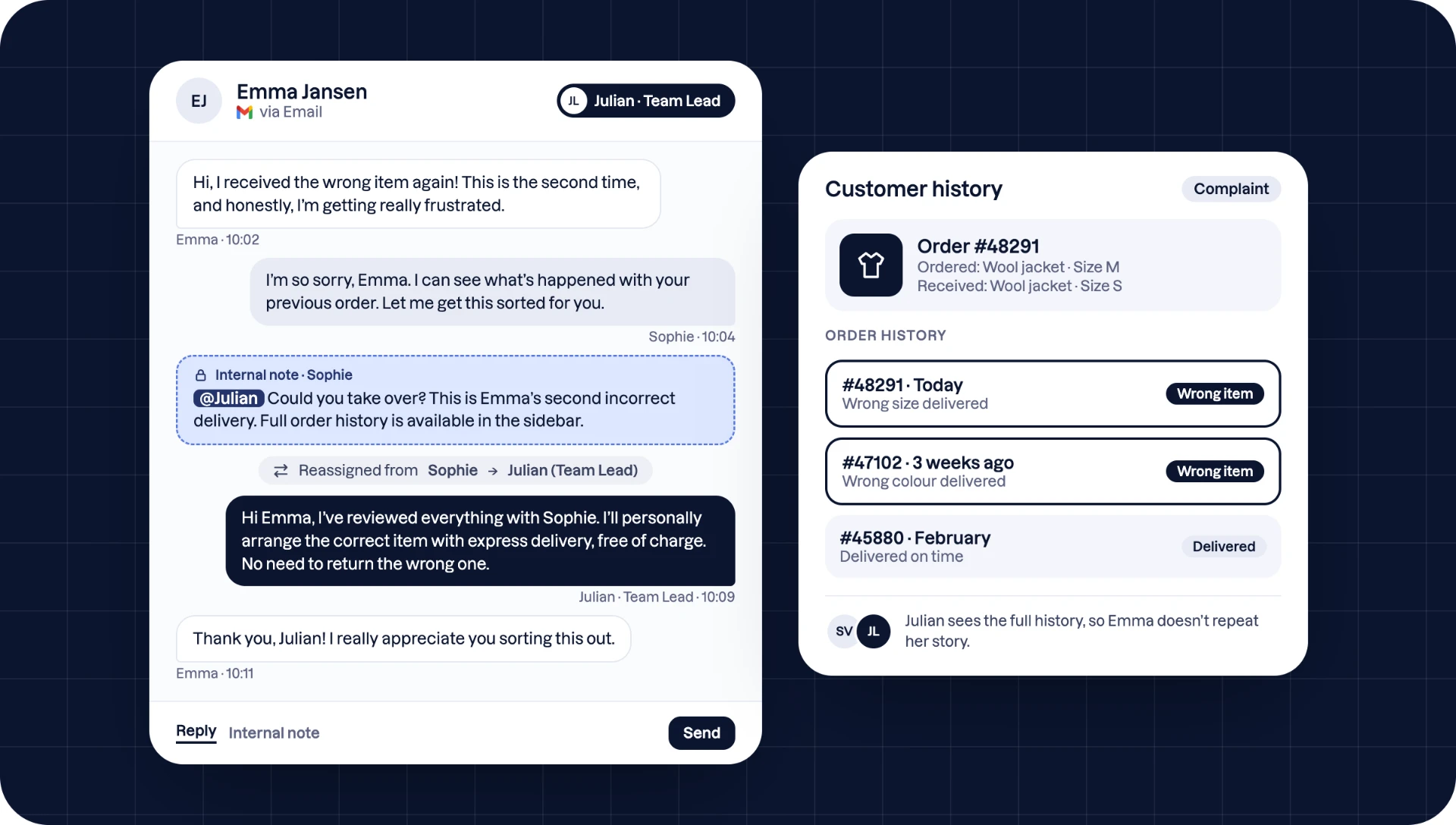
Yes. The contact’s conversation history sits next to every conversation. When a customer contacts you on more than one channel, you can group those contacts into one profile. Your team then sees all of that customer’s conversations, on every channel, in one place.
Open the Comment tab under a conversation to leave an internal note, and @mention a colleague to bring them in. The customer never sees these comments. The tagged colleague finds the conversation in their Mentioned folder, so questions that need a second opinion don’t get lost.
Yes. Sidebar integrations show information from your other systems next to the conversation, such as Shopify orders or data from your CRM. Your team can check an order or customer details without switching tabs or asking the customer to repeat themselves.
Yes. You can connect a private email inbox that only you can see, under Personal. You keep one overview of all your work without your personal mail appearing in team views.
A regular inbox is built for one person and one channel. A centralised inbox is built for teams and every channel: it adds assignment, internal collaboration, shared conversation history and integrations, so nothing is missed or answered twice.